Best Settings for HappyMod Performance
October 22, 2026 (4 days ago)
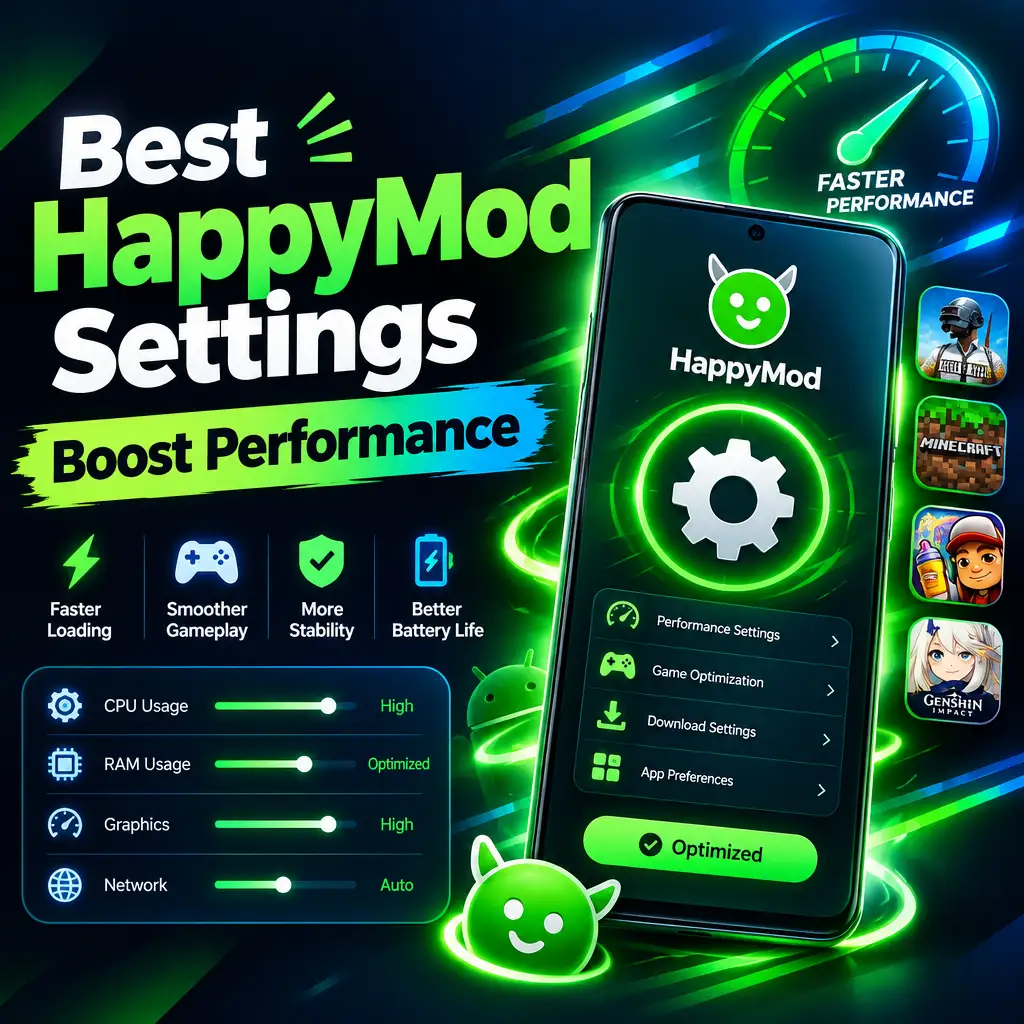
HappyMod can be a useful place to find modified Android apps and games with extra features, unlocked content, and custom options. But because it deals with large APK files, frequent downloads, and apps from many sources, performance can sometimes feel slow or heavy on your phone. The good news is that a few smart settings can make HappyMod run smoother, download faster, and use less battery, storage, and data. Below are the best optimization settings and habits to improve HappyMod performance on most Android devices.
1. Keep HappyMod Updated
The first and most important setting is not really a setting at all: keep the app updated. Newer versions usually fix bugs, improve download handling, reduce crashes, and support newer Android versions better. If HappyMod feels slow, freezes while loading pages, or stops during downloads, an outdated version may be the reason.
- Open HappyMod and check if an update notice is available.
- If updates are not shown inside the app, download the newest version from the official HappyMod website.
- Remove older installation files after updating to save storage.
Updating also helps with compatibility. Many Android phones receive regular security and system updates. If HappyMod is not updated along with your system, it may not work as smoothly as it should.
2. Clear Cache Regularly
HappyMod stores temporary files to load pages, icons, app listings, and download details faster. Over time, this cache can grow and slow down the app. Clearing cache does not remove your installed apps or downloaded APK files, but it can make the marketplace feel lighter.
- Go to your phone’s Settings.
- Open Apps or App Management.
- Select HappyMod.
- Tap Storage.
- Choose Clear Cache.
Try doing this once every few weeks if you use HappyMod often. If the app is acting strangely, you can also use Clear Data, but this may reset app preferences and login details, so use it only when needed.
3. Choose Wi-Fi for Large Downloads
Modified games and apps can be much larger than regular versions because they may include extra files, unlocked content, or special features. Downloading them on mobile data can be slow, unstable, and expensive. For the best HappyMod performance, use a strong Wi-Fi connection whenever possible.
- Connect to a stable Wi-Fi network before downloading large APK files.
- Stay close to the router if downloads keep pausing.
- Avoid downloading while streaming videos or gaming online on the same network.
- Pause other large downloads on your phone or computer.
A clean and stable connection can prevent failed downloads and corrupted files. This saves time because you will not need to restart the same download again and again.
4. Disable Battery Restrictions for HappyMod
Many Android phones limit background activity to save battery. This can be good for normal apps, but it can interrupt APK downloads or slow down HappyMod while it is fetching app data. If downloads stop when the screen turns off, battery optimization may be the cause.
- Open Settings on your phone.
- Go to Battery.
- Find Battery Optimization or App Battery Management.
- Select HappyMod.
- Choose Unrestricted or Do not optimize.
This setting allows HappyMod to continue working properly in the background. Keep in mind that it may use more battery during downloads, so it is best to enable this only if you actively use the app often.
5. Free Up Storage Space
Low storage is one of the biggest reasons HappyMod and downloaded apps perform poorly. APK files, OBB files, cache, and installed games can fill your device quickly. When storage is almost full, Android may slow down, apps may crash, and downloads may fail before installation.
- Keep at least 2 GB to 5 GB of free storage if possible.
- Delete APK files after installing apps.
- Remove old modded games you no longer play.
- Move photos and videos to cloud storage or an SD card.
- Use your phone’s built-in storage cleaner once in a while.
Before downloading a large game from HappyMod, check the file size and compare it with your available storage. Some games also need extra space during installation, so having only the exact file size available may not be enough.
6. Use Download Settings Wisely
If HappyMod gives you download options such as different versions, mirrors, or file sources, choose carefully. The newest version is not always the best for every phone. Older devices may perform better with earlier versions of some apps, especially games with heavy graphics.
- Pick versions that match your Android version.
- Read comments from other users before downloading.
- Avoid files with many complaints about crashes or bugs.
- Choose smaller versions if your phone has limited storage.
- Try another mirror if download speed is poor.
User comments can be very helpful because modified apps may behave differently across devices. If many users mention lag, black screens, or installation errors, it may be better to skip that version.
7. Limit Background Apps While Using HappyMod
Apps running in the background can use RAM, internet bandwidth, and battery. This can make HappyMod feel slow, especially on budget or older Android phones. Before browsing or downloading large files, close apps you are not using.
- Open your recent apps screen.
- Close games, video apps, social media apps, and browsers.
- Restart your phone if it has been running for many days.
- Open HappyMod again and start your download.
This simple step can make a noticeable difference. It gives HappyMod more memory and processing power, which helps pages load faster and downloads run more smoothly.
8. Manage App Permissions
HappyMod may need certain permissions to download, install, and manage APK files. However, giving too many permissions to any app is not ideal. For better performance and safety, allow only the permissions that are necessary.
- Allow storage or file access if needed for downloads and installation.
- Disable permissions that are not related to app downloads.
- Review permissions after every major update.
- Do not allow unknown permissions if they seem unrelated.
You will also need to allow installation from unknown sources for HappyMod or your browser. After installing an app, you can turn this permission off again to improve device security.
9. Avoid Installing Too Many Mods at Once
It can be tempting to download several modded apps or games in one session, but installing too many at once can slow your phone and create conflicts. Some modified apps run background services, show extra menus, or change game data. Too many of them can reduce overall performance.
- Install one app at a time.
- Open it and test if it works properly.
- Check battery usage and storage impact.
- Remove apps that crash, lag, or behave strangely.
This approach keeps your phone cleaner and makes it easier to find which app is causing problems if performance drops later.
10. Restart Your Device After Heavy Use
After downloading and installing multiple APK files, your phone may feel slower because of temporary files and background activity. A quick restart clears memory and refreshes the system. This is especially useful after installing large games from HappyMod.
- Restart after installing large games.
- Restart if downloads freeze repeatedly.
- Restart if HappyMod loads slowly or crashes.
- Restart before playing a newly installed heavy game.
A restart takes less than a minute but can solve many small performance issues. It is one of the simplest optimization steps for any Android device.
Final Optimization Tips
For the best HappyMod performance, focus on clean storage, stable Wi-Fi, updated app versions, and smart battery settings. Clear cache regularly, avoid running too many apps in the background, and choose mod versions carefully based on your device. Also, be selective about what you install. A phone with fewer, better managed apps will always perform better than one overloaded with unused mods and large files.
HappyMod works best when your device has enough free space, a strong connection, and the right permissions. With these settings and habits, you can make browsing, downloading, and installing modified apps much smoother while keeping your Android phone more stable and responsive.
Recommended For You